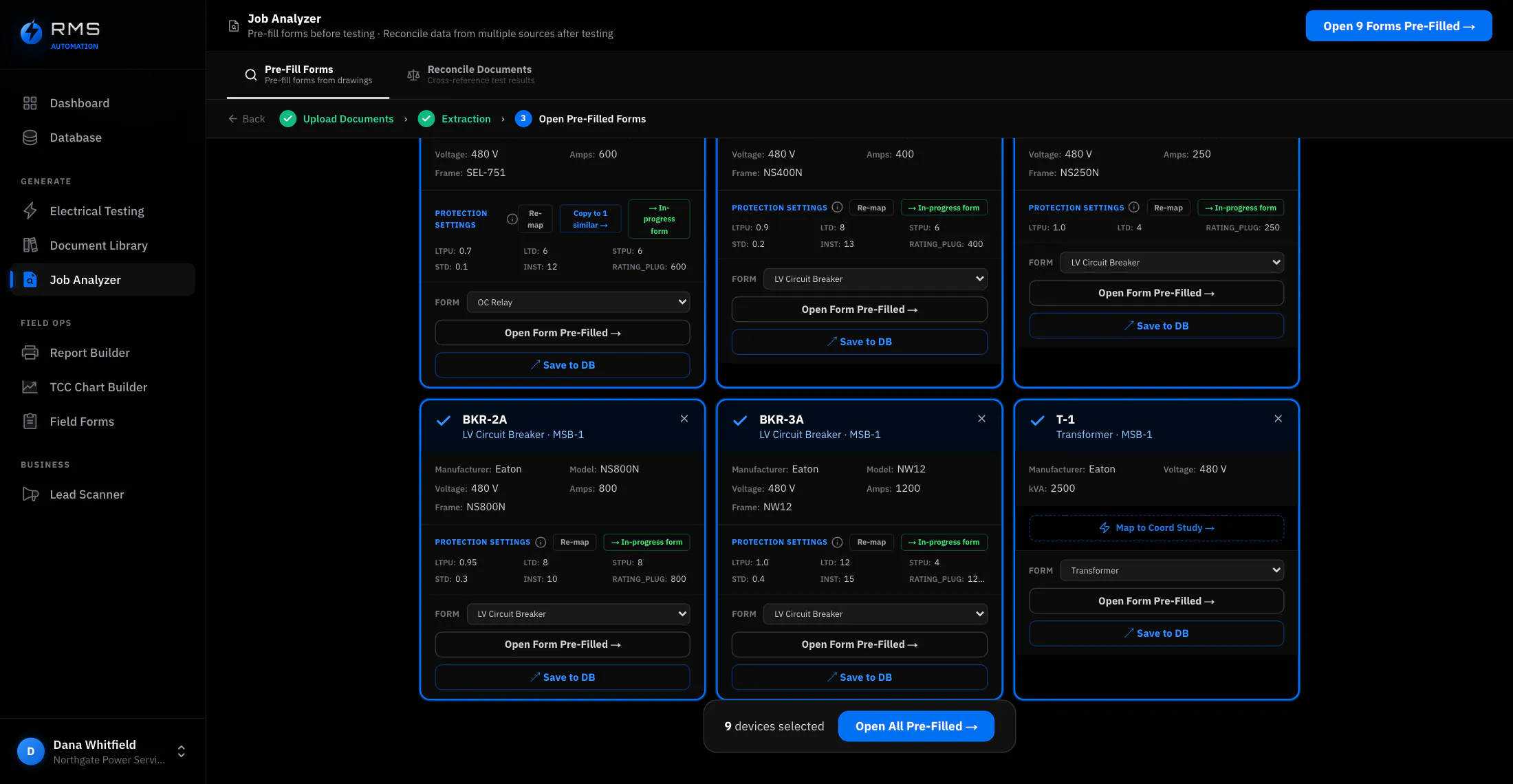
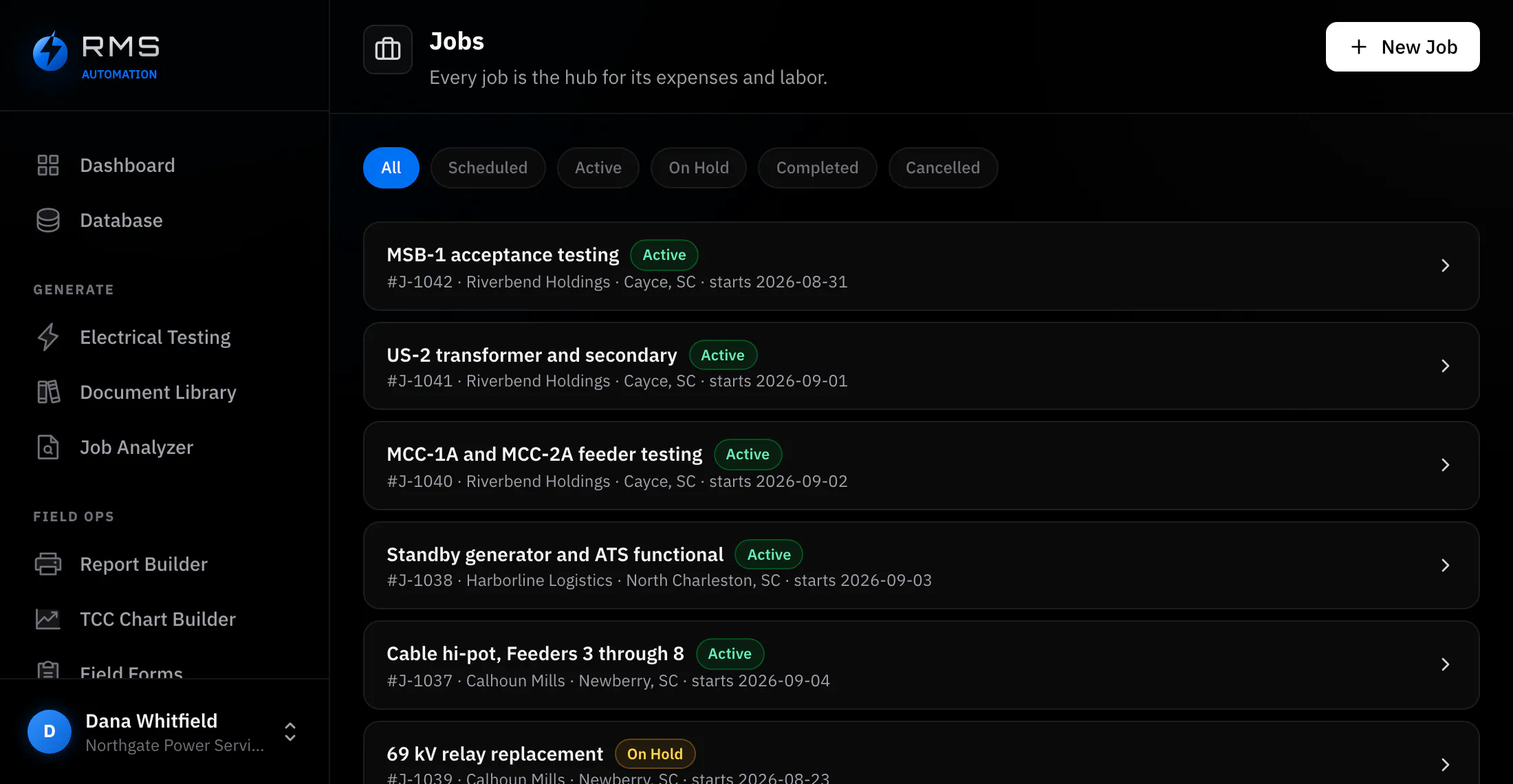
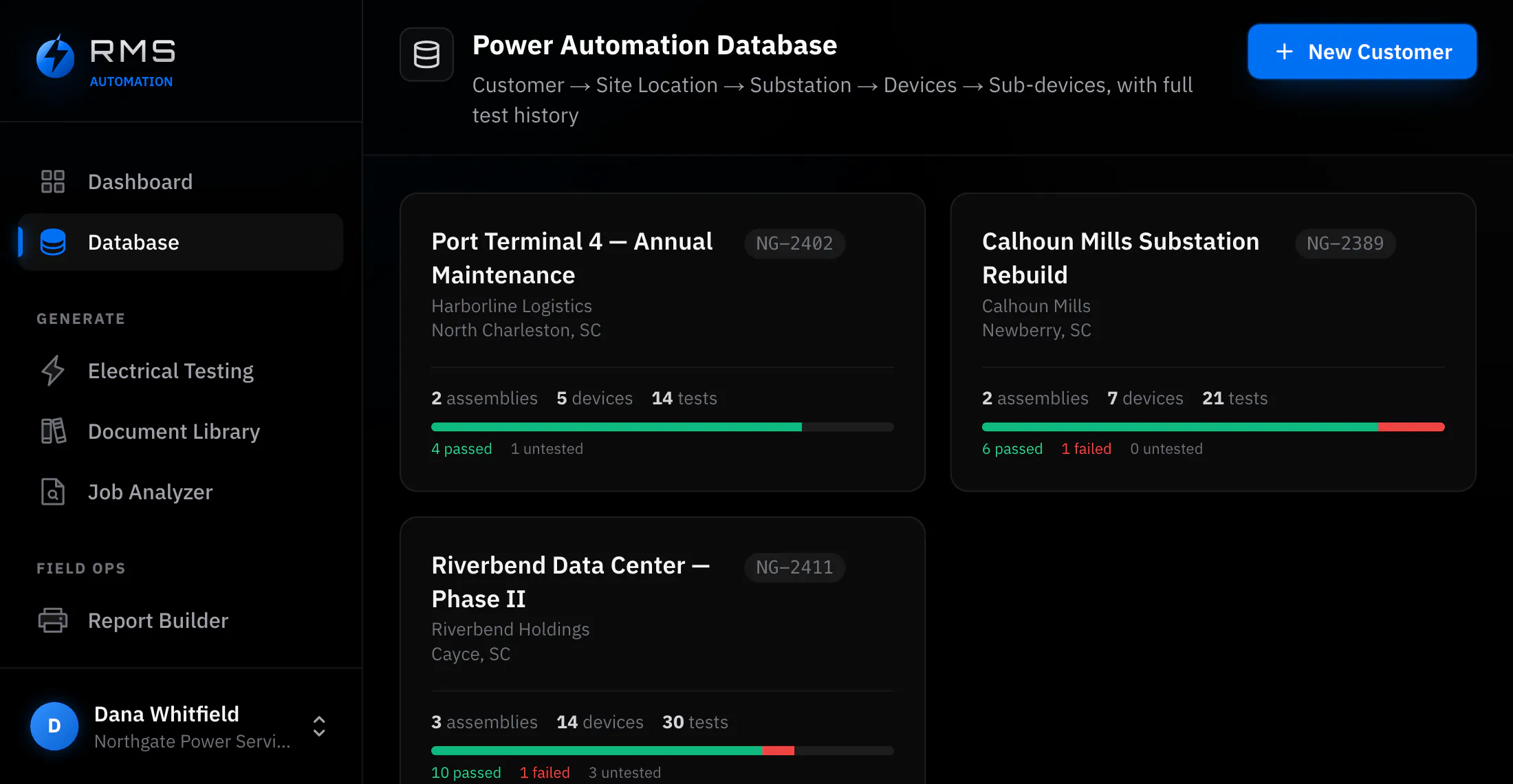
A form that already knows which clause it is answering to.
Most field paperwork is a spreadsheet somebody made in 2011, copied between firms, with the standard it was built against no longer printed anywhere on it. These are twelve forms, one per device type, each laid out around the ANSI/NETA ATS-2021 clause that governs the test, so filling it in is answering the standard rather than remembering it.
- Twelve devices
- Transformers, breakers, relays, cable, CTs and switchgear, each with its own sheet.
- Basic
- The lowest plan that includes it. In every plan above it too.
- Two exports
- A branded PDF for the client, and PowerDB-compatible CSV for whoever asked for it.
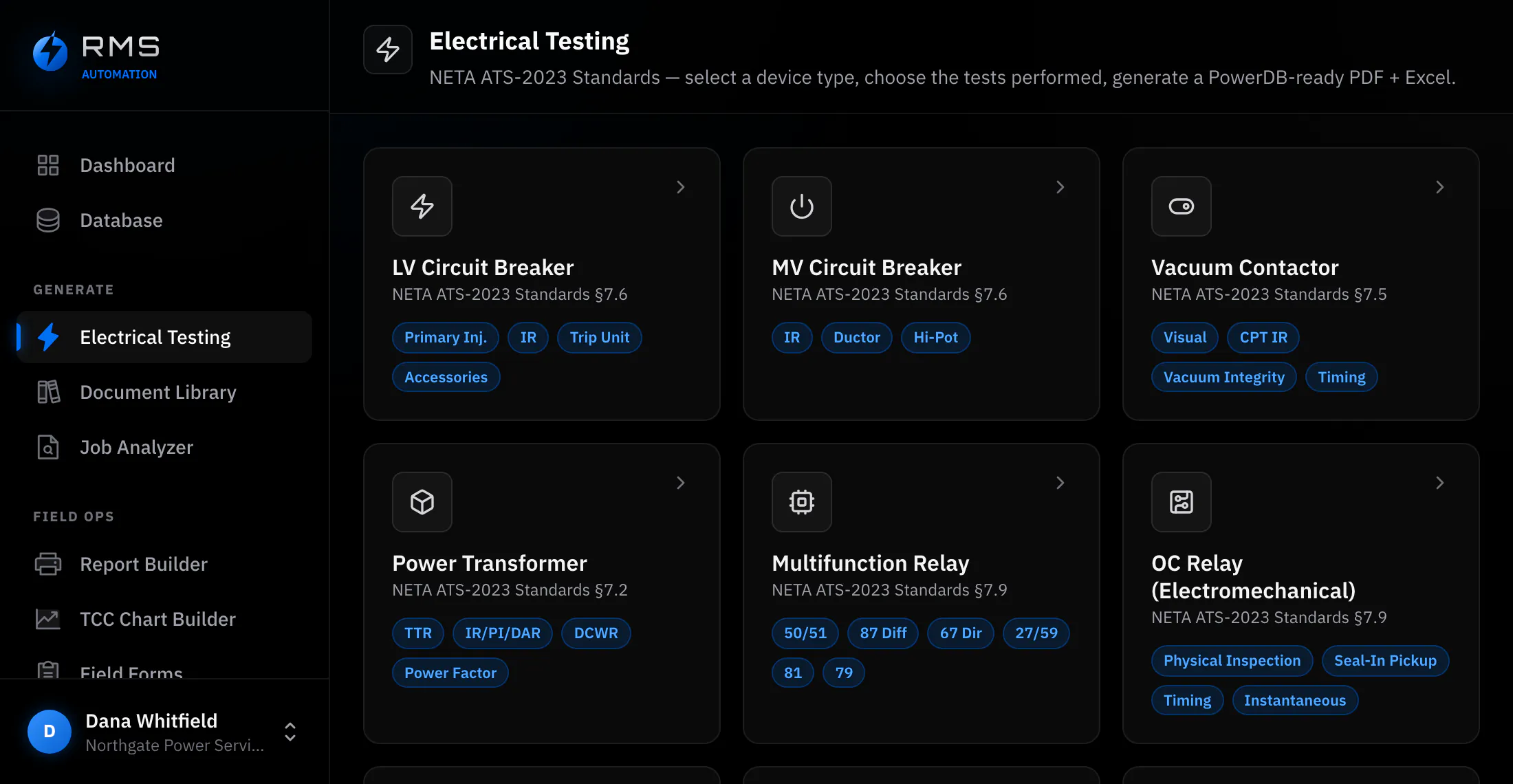
Twelve device types, twelve sheets
A vacuum contactor is not a power transformer with different boxes. The tests differ, the pass criteria differ, and the clause saying what must be recorded differs, so a generic sheet with a free-text field for everything is how the wrong thing gets recorded and nobody notices until an inspector reads it.
Each sheet carries only the tests that apply to its device, in the order they are performed, with the clause reference printed on the sheet. If contact resistance is on the sheet, it belongs there.
- LV and MV circuit breakers, vacuum contactors, power transformers, multifunction and overcurrent relays, cable, current transformers, switchgear assemblies
- Fields ordered the way the test is actually performed, not the way a database wants them
- Nameplate block at the top of every sheet, shared with the rest of the job so it is entered once
Readings corrected as you enter them
Insulation resistance measured at 34 °C is not comparable to the same device at 12 °C last autumn. A trend built from uncorrected readings is a trend of the weather. The correction to 20 °C is arithmetic everyone knows and nearly everyone defers, and deferred corrections get done in a spreadsheet from memory of what the ambient was.
Enter the reading and the ambient and both are stored: the measured value and the corrected value, side by side, with the factor visible. Contact resistance is captured in micro-ohms, because the interesting movement happens in the third digit.
- Temperature correction to 20 °C applied at entry, with the raw reading kept
- Contact resistance in micro-ohms, pole by pole
- Readings that fall outside the expected band are flagged on the sheet, before the report is built
Export the client asked for, not the one you have
Two things come out of a finished sheet. A branded PDF on your letterhead, which is what a customer means by “the report”. And PowerDB-compatible CSV, written with the tag names PowerDB expects, which is what a utility or large industrial client means when they ask for the data.
The second matters more than it sounds: a firm that cannot deliver in the format a client's asset system ingests is a firm whose data gets re-keyed at the other end, and being that vendor is a good way to not be the vendor next year.
- PDF on your letterhead, with your logo, job number and signatures
- CSV mapped to PowerDB tag names rather than to our field names
- Both generated from the same record, so they cannot disagree with each other
Paper still works, and it still gets read in
Nobody holds a tablet in an arc-rated hood at three in the morning. Plenty of testing still happens on a printed sheet in a pocket, and a tool that requires the field work to change first is a tool the office uses and the crew resents.
Photograph the completed paper form and the handwriting is read into the matching device record. It comes back as a draft you check: the same review step the Pre-Job Analyzer uses for nameplates, with each value shown against the crop it came from and anything ambiguous left blank and flagged rather than guessed.
- Works on the printed sheets you already use, not only on ours
- Every value traceable back to the region of the photograph it was read from
- The photograph stays attached to the record as the original
What it saves, and how to work it out
Not measured customer results. Every input below is an assumption, shown so you can replace it with your own figures. The saving is almost entirely in write-up, not in the field. The test takes as long as the test takes.
| Line | Value |
|---|---|
| Reports written per week (assumed) | 3 |
| Typing one up from field sheets (assumed) | 90 min |
| Exporting the same report from the app (assumed) | 15 min |
| Loaded labour rate (assumed) | $95 / hr |
| Saved per report | 75 min · $119 |
| Saved over a year at three a week | 195 hr · $18,525 |
The line that is not in the table is the report that goes out wrong. A transposed digit in a corrected insulation value is not caught by anybody downstream; it is caught in three years, by the failure it should have predicted.
Who it changes the day for
You stop being the bottleneck twice
When you are the tester and the writer-up, every job costs you a second, unbilled shift at a desk, and the forms are the whole of it. Removing it is the difference between a report leaving on the day of the work and a backlog you clear on a Sunday, and it means the small acceptance job that was never worth the write-up is worth quoting when the write-up is an export.
One report, whoever wrote it
Across a crew the risk is variance. Forty testers with forty inherited spreadsheets produce forty layouts, several standards vintages and no way to compare a breaker tested in one region against the same breaker in another. One set of clause-anchored sheets makes the output uniform by construction rather than by review, and turns an audit into reading records rather than reconstructing which template somebody used that year.