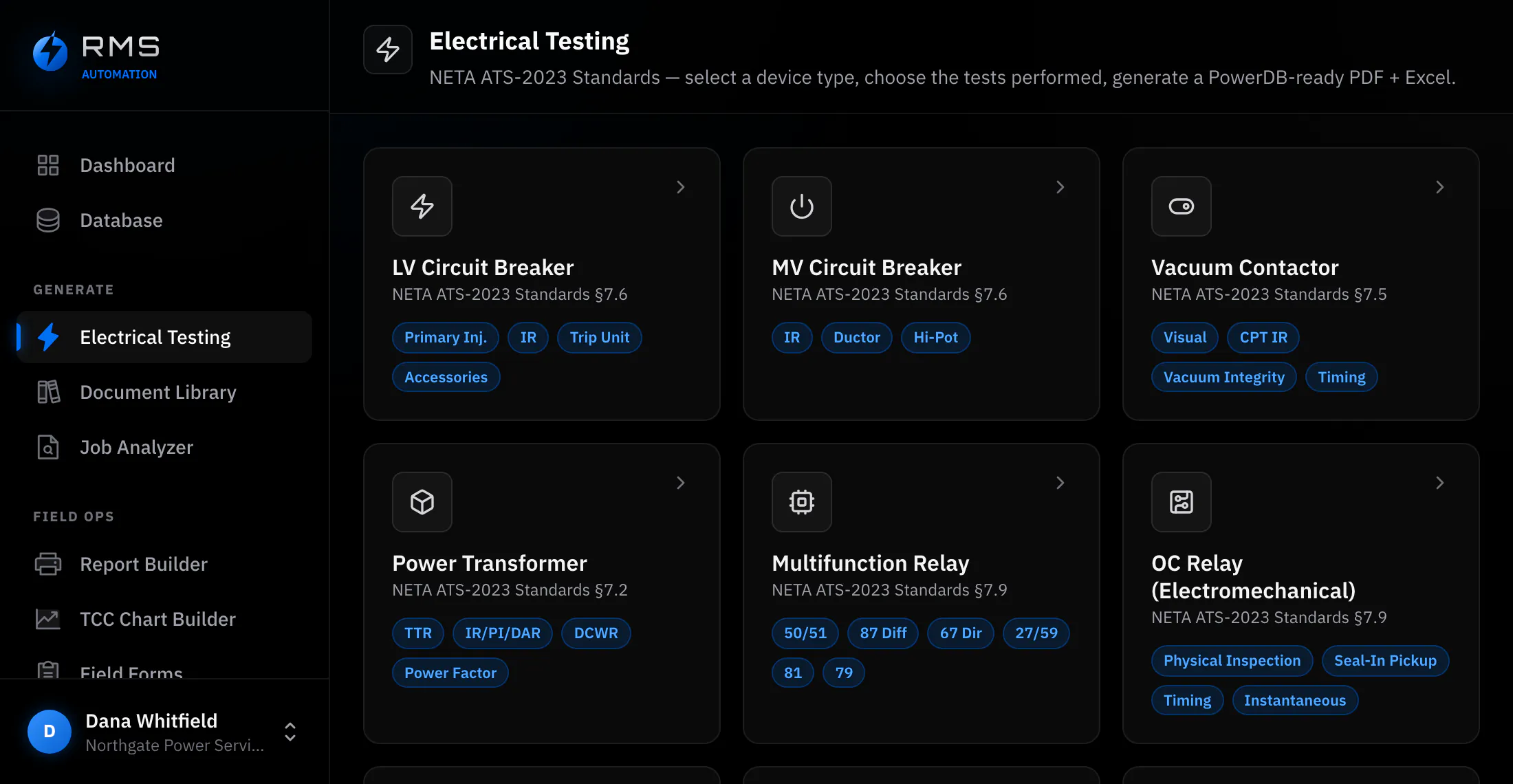
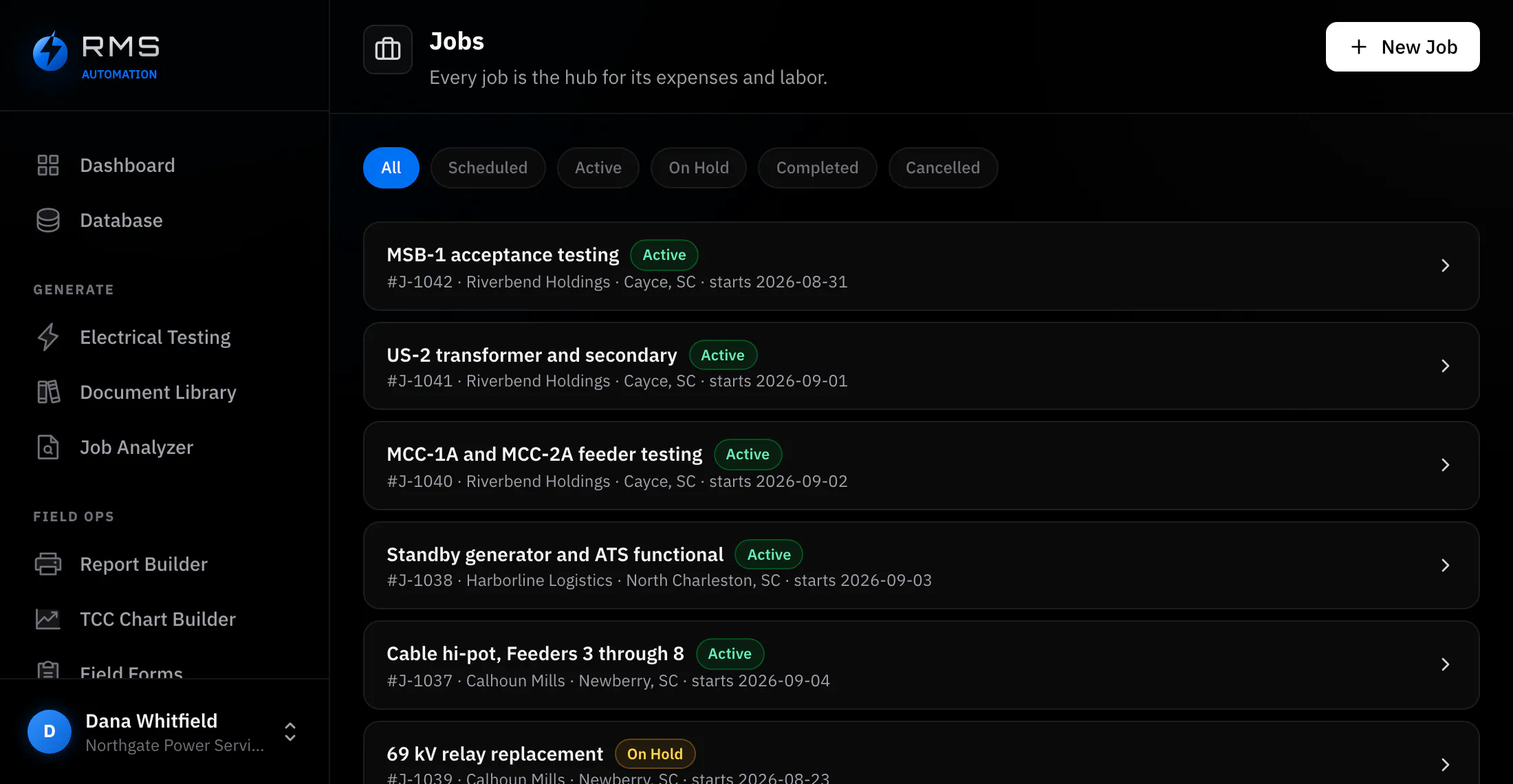
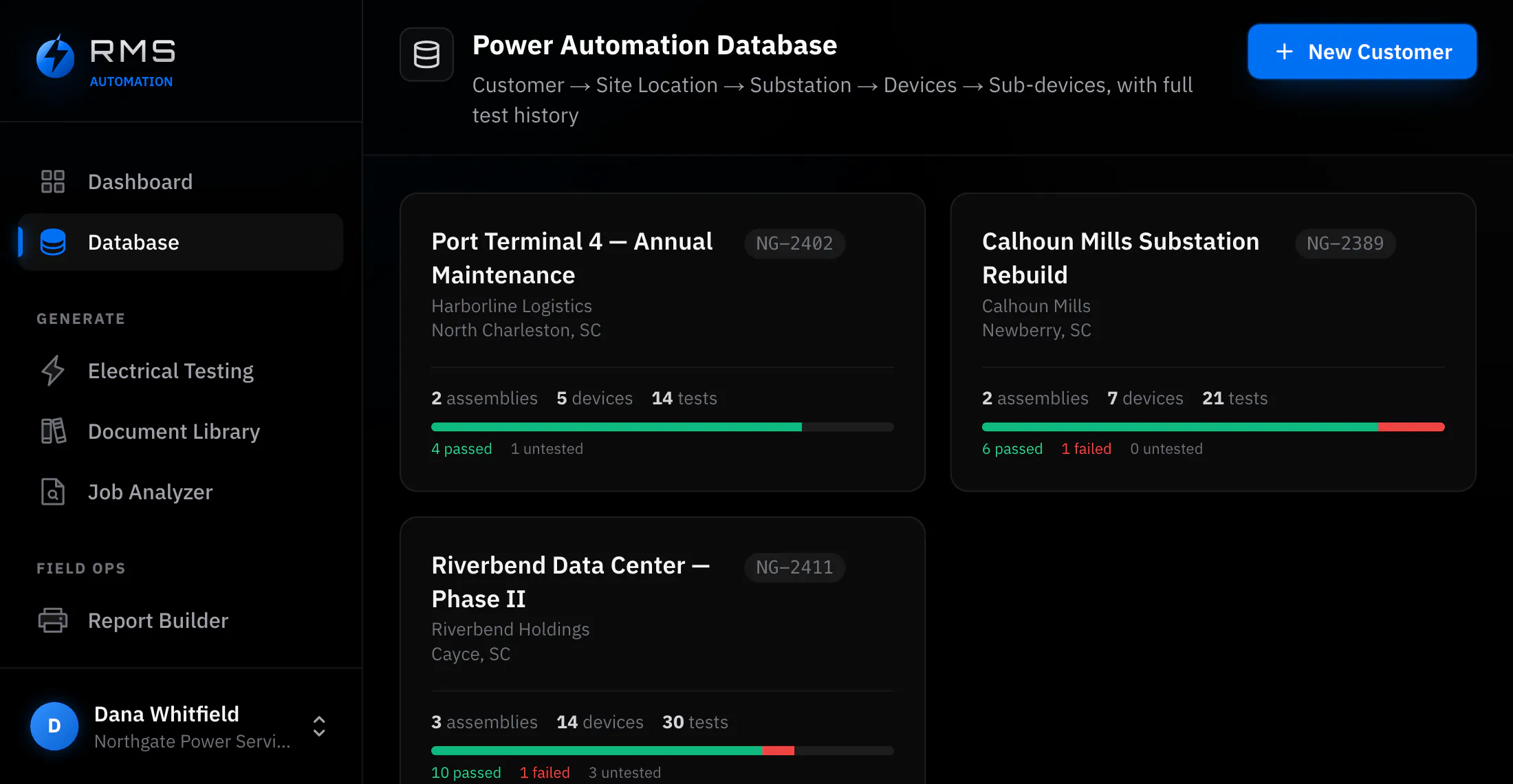
The nameplate is already written. Something should read it.
Every device you test arrives with its ratings printed on the front of it, and every one of those ratings gets typed into a form by a person standing on a ladder with a phone torch in their teeth. The Pre-Job Analyzer photographs it instead, and hands you a filled record to check.
- Photo or PDF
- A nameplate picture, or a coordination study you already have.
- Premium
- The lowest plan that includes it. Also in Unlimited.
- You approve
- Nothing reaches the record until you have read it and accepted it.
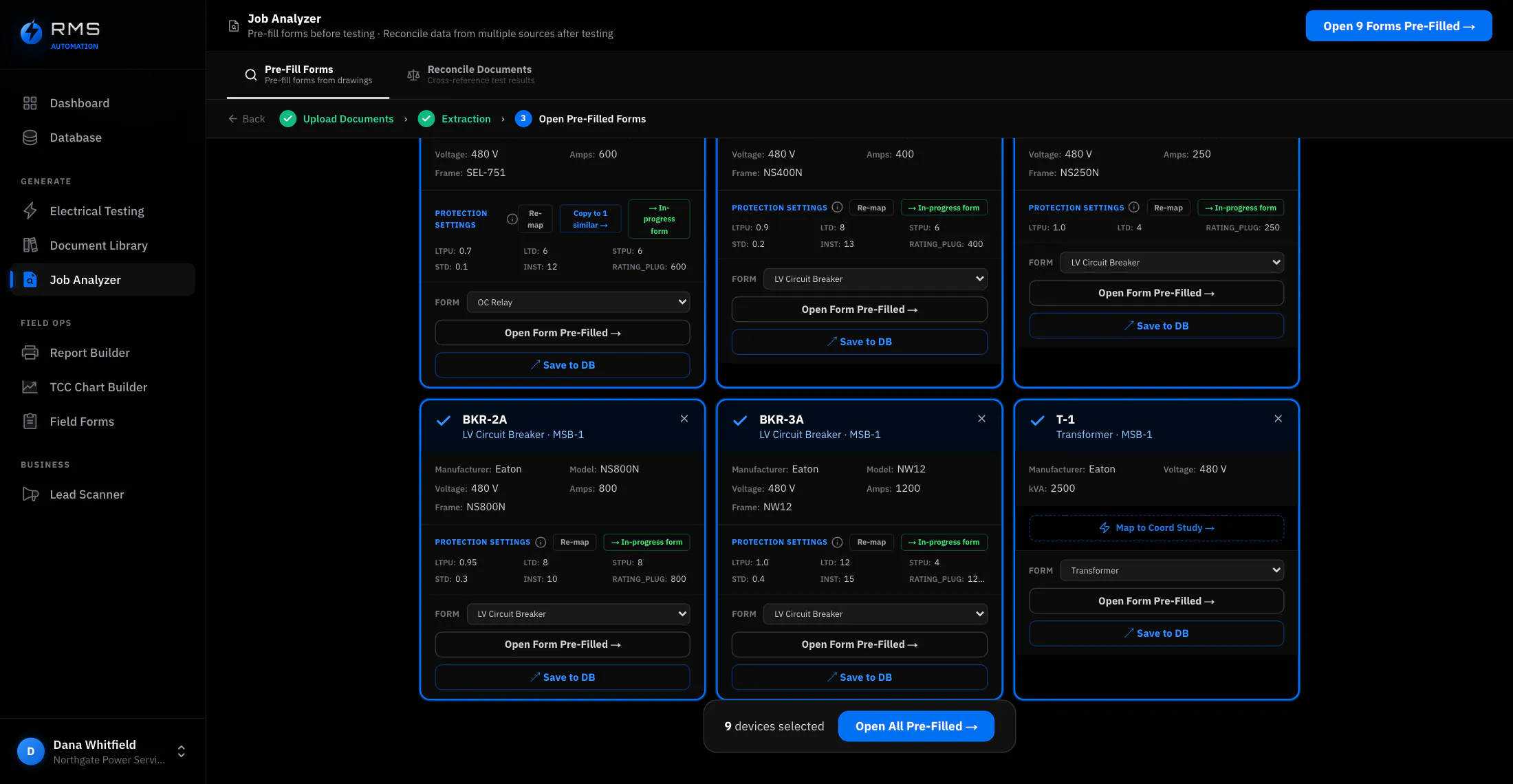
Reading the nameplate
Point a phone at the plate and take the picture. The Analyzer pulls the manufacturer, the model, the serial, the voltage and current ratings, the interrupting rating and the frame size, and drops them into the matching fields of the device record you are building.
What comes back is a draft, marked as a draft. Each value sits next to the crop of the photograph it was read from, so checking it is a glance. Values it is unsure of are flagged rather than quietly guessed.
- Works on a plate that is dirty, off-angle or partly shadowed, which describes most of them
- Unreadable fields come back empty and flagged, never filled with a plausible guess
- The photograph stays attached to the record, so the source of every value is still there in a year
Reading the coordination study
The other half of a device record is not on the nameplate. Trip settings, curve types, pickup and delay bands live in the coordination study, usually a hundred-page scan in which the four pages you need are not indexed.
Hand it the study and it finds the devices, matches them to your job, and reads the settings each one is supposed to be at. That gives you the as-designed values before you go to site: a breaker that trips exactly as it is set is only useful information if you know what it was meant to be set to.
- Devices matched to your job by tag and description, not by page order
- Settings read as designed values, kept separate from what you go on to measure
- Anything it could not place is listed rather than dropped, so you know what it missed
Putting the job back together afterwards
The other half of the Analyzer runs after the work, when the same job exists in four places that do not agree: the drawing set, the coordination study, the test-set export and a stack of handwritten sheets.
Load a saved pre-job analysis as the baseline, drop the rest in beside it, and it matches equipment across all four, including when the sources spell the device differently, which they always do. Anything it is unsure of is listed for a person to place, because a wrong match puts one device's readings under another device's tag and nothing downstream ever questions it.
What it saves, and how to work it out
Not measured customer results. Every input below is an assumption, shown so you can replace it with your own figures.
| Line | Value |
|---|---|
| Devices in a medium switchgear lineup (assumed) | 20 |
| Nameplate and settings entry by hand, per device (assumed) | 4 min |
| Same work as a photo you check, per device (assumed) | 1 min |
| Loaded field labour rate (assumed) | $95 / hr |
| Saved on one lineup | 60 min · $95 |
| Saved over a year at two lineups a week | 104 hr · $9,880 |
The line that is not in the table is the one most operations actually pay: the entry that gets deferred. Data typed up on a Sunday from a phone photo and a memory is where wrong serial numbers enter a database and stay there.
Who it changes the day for
It gives you the evening back
When you are the tester, the writer-up and the invoicer, the paperwork does not come out of a budget. It comes out of the hours after the job. It is also how you win work: a report that goes out the same evening is a different impression from one that arrives eleven days later.
It makes forty people type the same thing
Across a crew the hours matter, but consistency matters more. The same breaker entered by twelve technicians produces twelve spellings of the manufacturer and three formats of the serial. Reading from a photograph produces one form of each value, and the photograph stays attached. A database you can report from rather than one you have to clean first.